How do you run System One decision models locally? Ollaya, laya-mlx and the runtime slot
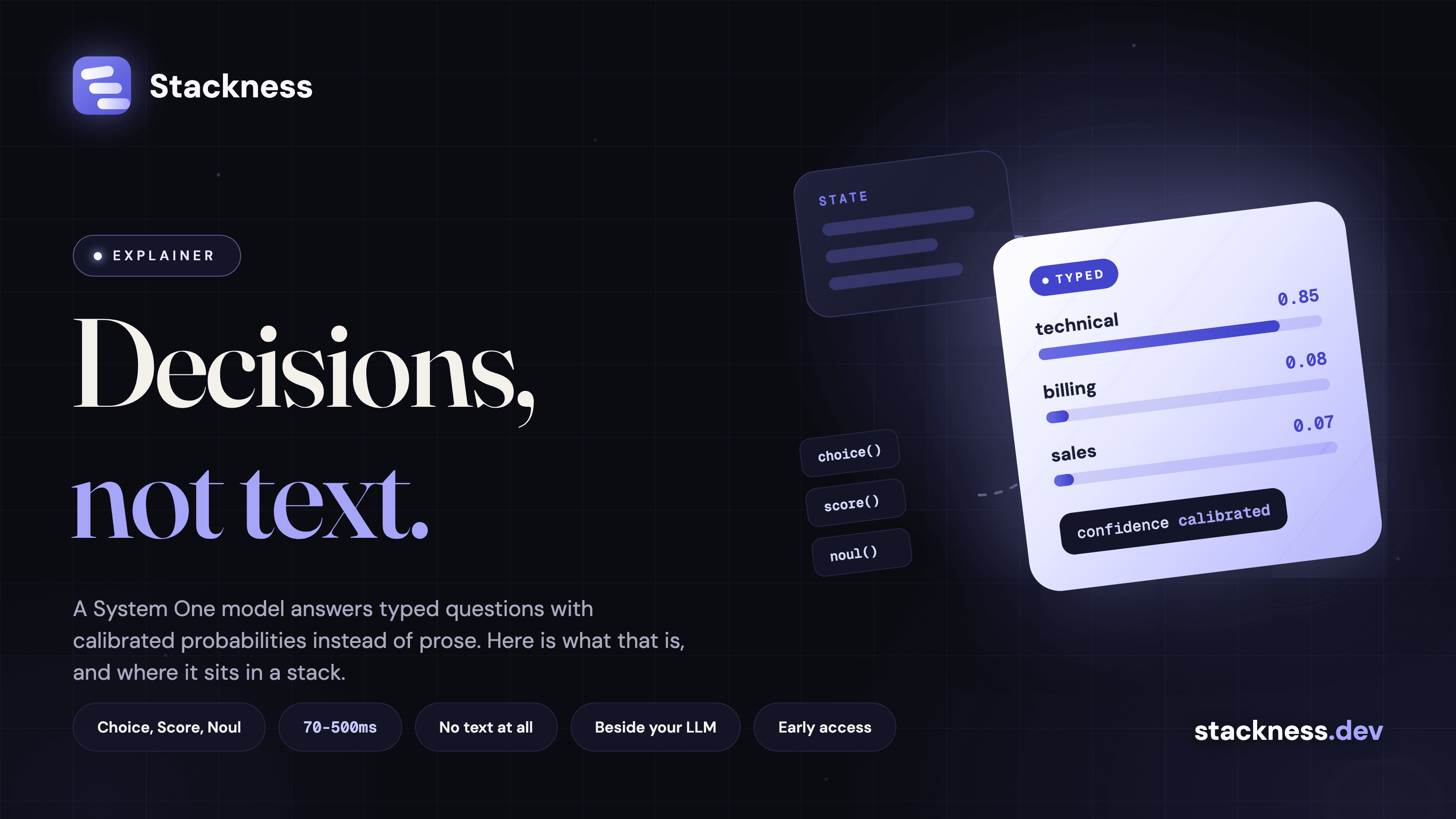
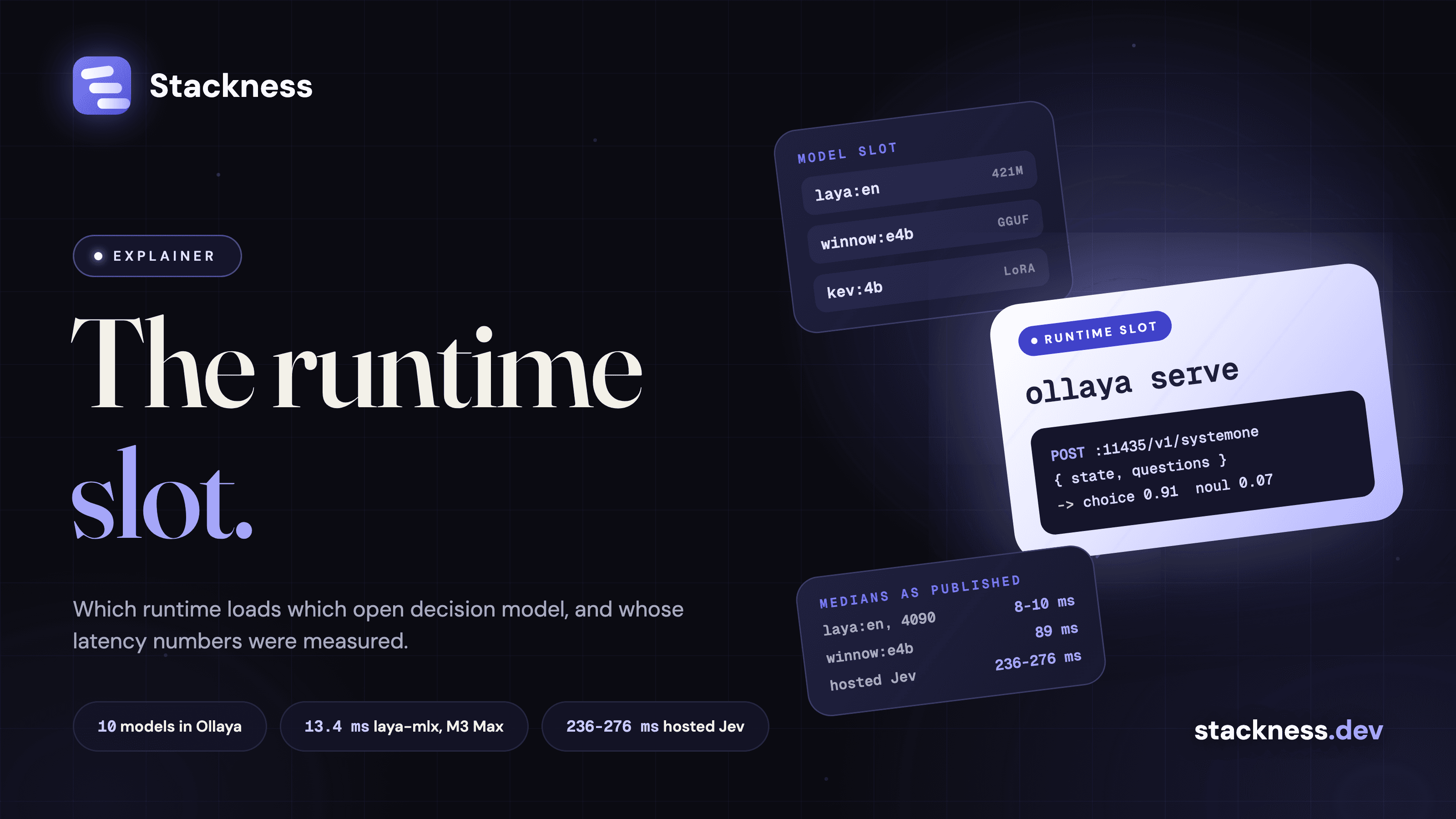
To run a System One decision model locally, you install a runtime, pull an open decision model into it and point the TypeSafe SDK at localhost. As of 27 September 2026 the shortest path is Ollaya, which went from a new repository on 23 September to release 0.7.3 in four days and serves ten model families behind an API it calls wire-identical to Jev. On a Mac, laya-mlx is the other finished route. Its author reports 7.4 to 13.4 ms for one short question on an M3 Max.
The open-source alternatives post covered the models. This one covers the layer that loads and serves them: the runtime.
What is a decision model runtime, and how is it different from the model?
The model is the weights: an encoder or small LLM plus a decision head that turns a state and typed questions into answers with probabilities. The runtime is what loads those weights on your hardware and answers requests. It picks the format (ONNX, GGUF, MLX, Core ML), the device, the API and how batching works, the job Ollama does for chat models.
The split matters because the runtime can change what the model says. laya-mlx clamps temperatures that some Laya checkpoints ship outside its supported range and warns you to "treat confidence from the affected buckets as uncalibrated". llamacpp-jev returns "raw label softmax, not calibrated". The same weights can give two confidence numbers through two runtimes, so if you threshold on confidence, pin the runtime version as well as the model.
The System One explainer put the model slot beside your LLM. The runtime is the slot under it, in the same place Ollama or vLLM sits under a chat model.
How do you run a System One model locally, end to end?
With Ollaya it takes three commands, all from its README:
curl -fsSL https://ollaya.dev/install.sh | sh
ollaya run winnow:e4b --preset triage "Third time this year you've double-charged me..."
export TYPESAFE_BASE_URL=http://localhost:11435
The daemon listens on 127.0.0.1:11435 and serves /v1/systemone plus its own /api/decide, which adds timings. Ollaya says the official TypeSafe Python SDK 0.7.1 "works unchanged" against it. There is a CUDA Docker image and a Windows installer, and weights come from each model's own Hugging Face repository.
On Apple silicon, laya-mlx is a Python library, not a server:
pip install laya-mlximport laya_mlx as laya
agent = laya.load("aac6fef/laya-mlx")
agent.predict("I was billed twice.", {"department": {"type": "choice",
"instructions": "Who should handle this?", "criteria": ["billing", "technical", "sales"]}})It needs Python 3.11, macOS 14 and an M-series chip. Its README calls it an "independent MLX port, not an official Convai Innovations release". Kev ships its own server (python -m kev.serve --run jaredpalmer/kev-4b), which its author says the TypeSafe SDK works against unchanged.
Ollaya, laya-mlx or plain llama.cpp: which one loads which models?
Ollaya loads the most. laya-mlx loads only Laya. Plain llama.cpp loads any GGUF decoder but needs a shim for the decision API and cannot load Laya at all, because Laya is a ModernBERT encoder with a custom head and has no GGUF build.
| Runtime | Models it loads | Formats | Hardware | API |
|---|---|---|---|---|
| Ollaya 0.7.3 | winnow, laya, decider, kev, nli, gliclass, qwen3guard, decision, von, jevk5 | ONNX, GGUF, MLX | CPU, NVIDIA CUDA 12/13, Apple Metal and MLX | /v1/systemone, /api/decide, MCP server |
| laya-mlx 0.2.0 | The three Laya checkpoints | MLX | Apple silicon only | Python library |
| laya-coreml | Laya checkpoints | Core ML, Neural Engine | Apple silicon | Library |
| Kev server | Kev 0.8B to 27B | safetensors LoRA | CUDA, ROCm, MLX | /v1/systemone |
| llama.cpp with llamacpp-jev | Any GGUF decoder, for example Qwen3.5-2B | GGUF | Anything llama.cpp runs on | /v1/systemone, uncalibrated |
Three projects from the same fortnight bring their own runtime. SemIf reads logits on CUDA, llama.cpp or MLX. NanoJev serves on CUDA only and targets game and agent tasks. cua-s1-forms-coreml is a 706,048-parameter form-action classifier with a 224-byte input limit, built for use inside an app rather than as a general decision model.
What latency do the local runtimes claim, and who measured it?
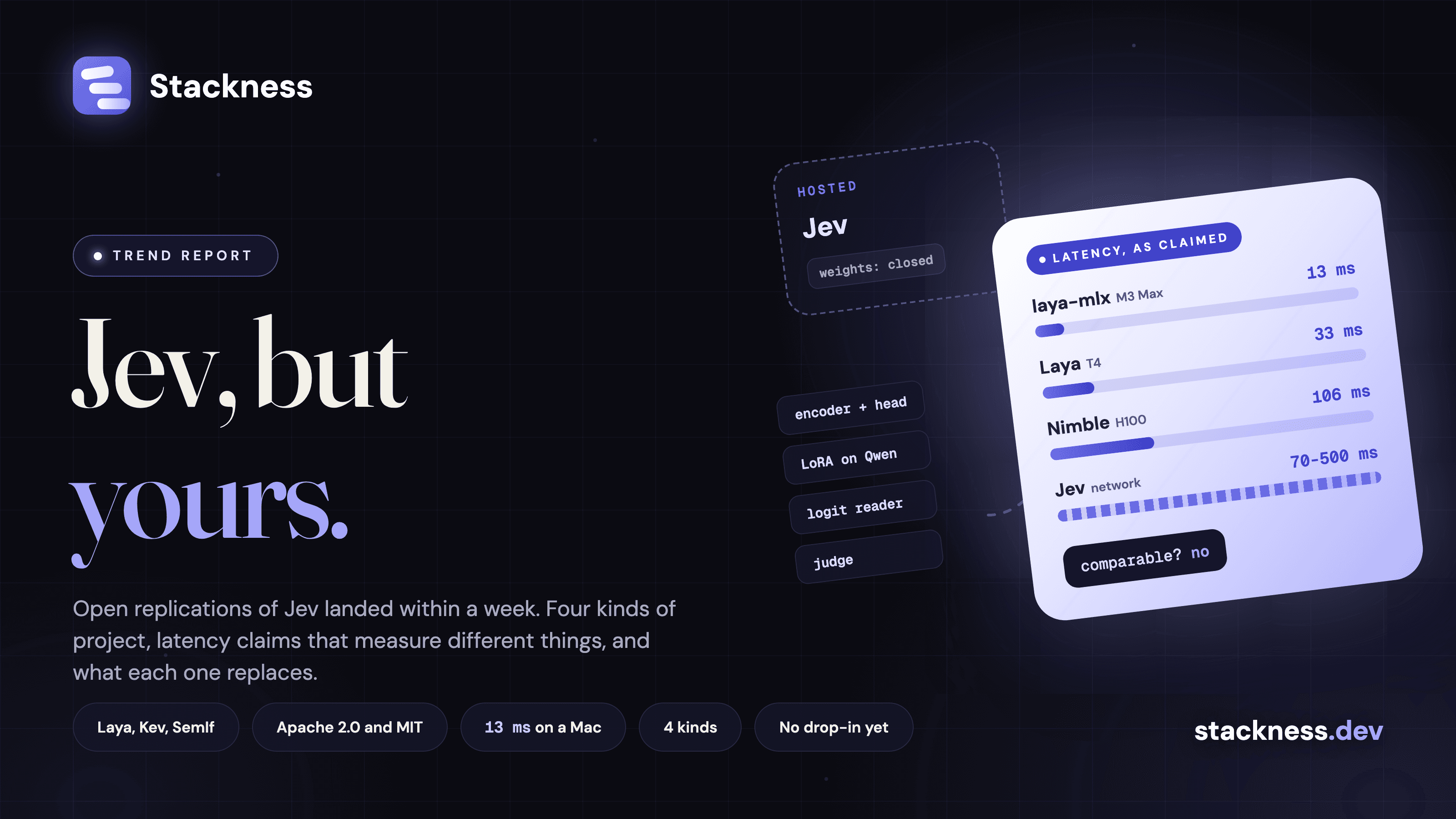
Almost every local number is self-reported by the runtime or model author, and no two use the same request shape. The one independent laya-mlx study measured slower per-question times than the port's README, on a heavier workload, and found throughput dropping under sustained load. Read launch-page numbers as best cases for speed.
| Claim | Number | Measured by | Setup |
|---|---|---|---|
| Ollaya, laya:en | 8 to 10 ms | Ollaya | RTX 4090, 5 questions over HTTP |
| Ollaya, winnow:e4b | 89 ms median | Ollaya | RTX 4090, 5 questions over HTTP |
| Hosted Jev, as cited by Ollaya | 236 to 276 ms | Two third-party benchmarks | Over the network, client in France or unstated |
| laya-mlx | 13.42 ms English, 7.39 ms multilingual (P50) | Port author | M3 Max, one short question, model load excluded |
| laya-mlx, independent | 6.6 to 19.6 ms per question at 50-token states | Sperix Labs | M4 Max, 16 questions per call, 100 repeats |
| laya-coreml | 4.98 ms P50 | Port author | M3 Max Neural Engine, one 91-token question |
| Laya | 32.8 ms | Convai Innovations | Tesla T4, one question |
| Kev-4B | 18.1 ms model time | Jared Palmer | H100, 6 questions |
Ollaya's homepage puts winnow:e4b at 89 ms and 0.722 accuracy beside Jev at 236 to 276 ms and 0.738. Its fastest model, laya:en at 8 to 10 ms, scores 0.361 on the same test. The headline speed and the headline accuracy come from different models. Ollaya does say to read the latencies "as an order-of-magnitude comparison", and its developer wrote on Hacker News that "the small ones I support today are well below Jev on harder queries". Its Jev accuracy figure is taken from a benchmark report by Winnow, one of the models it ships.
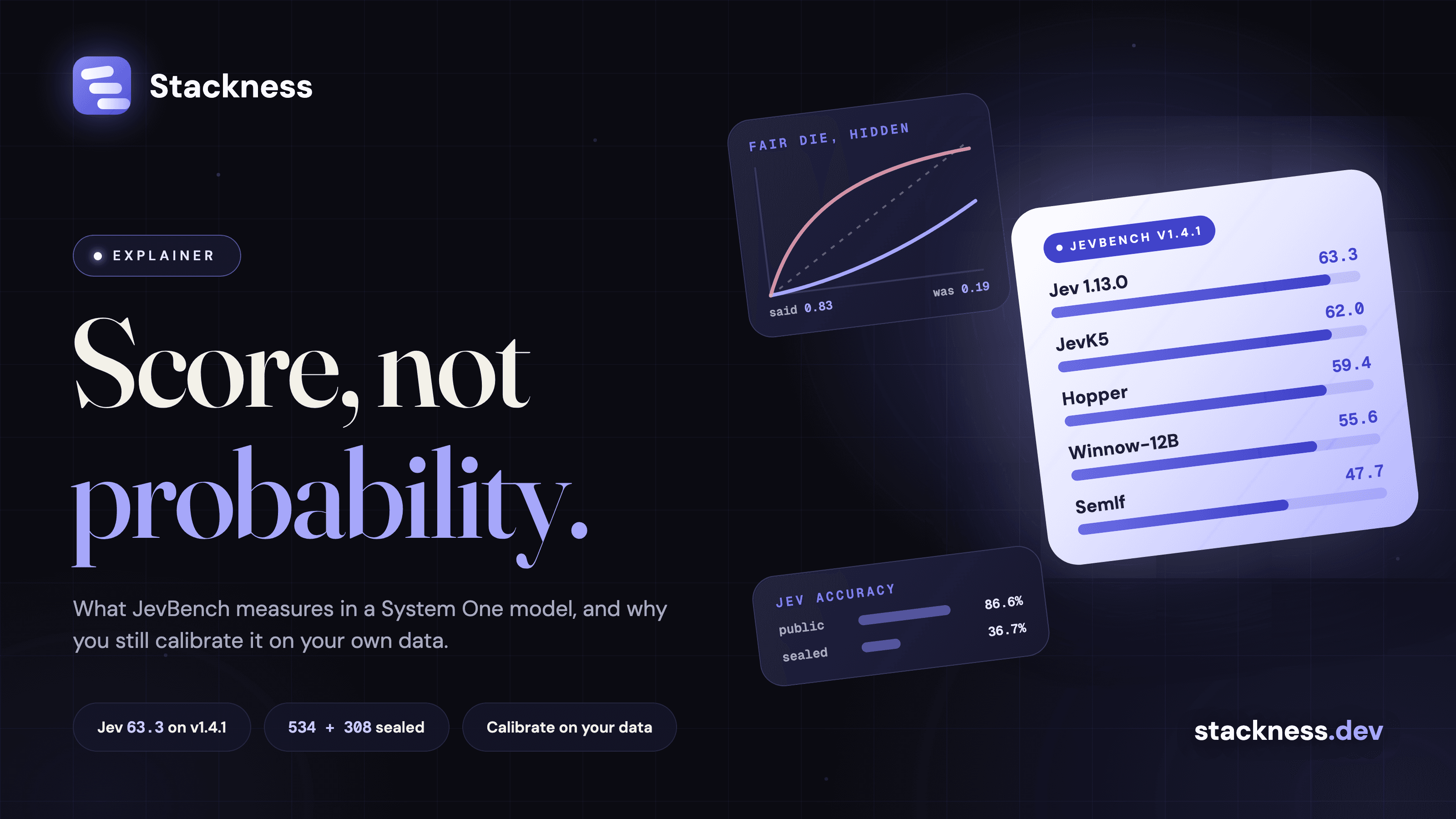
Read the independent study by Justice Owusu Agyemang before deploying laya-mlx. Over six minutes of sustained load the English checkpoint fell from 23.5 to 5.3 questions a second, with one call taking 15.7 s. The author discloses it was prepared with LLM assistance. The benchmarking post covers why accuracy tables without calibration say little.
Where does the runtime sit next to an LLM gateway in the same stack?
Beside it, on its own endpoint. No runtime I found turns decisions into OpenAI chat completions. Every one speaks the Jev wire format, POST /v1/systemone. Your gateway either passes that route through, or your code calls the runtime directly beside the chat traffic.
The gateways have started to pass it through. LiteLLM forwards /typesafe/v1/systemone with cost tracking, and its docs say TYPESAFE_API_BASE can point at a custom instance. Pointing that at Ollaya or Kev should work, but nobody has published a test. OpenRouter hosts Jev at its own /api/v1/systemone, outside the chat API. GoModel forwards to hosted Jev or a self-hosted Kev server. laya-ultrafast shows the split cleanly: Laya decides in-process on the Mac, and an OpenRouter model writes the text.
In a stack with both, the chat model sits behind the gateway you already run, and the decision model sits behind a runtime on localhost or a GPU box, reached through that gateway's pass-through or directly. Support in vLLM, LocalAI and NVIDIA Dynamo is still at the pull-request stage, and I could not confirm any of it has merged. The runtime is one more entry among the AI tools developers keep beside their models, and for now the least settled one.
When is the hosted API still the right slot?
When the decisions are hard, the context is long or the language is not English. Jev takes 64k tokens per request against Laya's 512 to 1,024 and Kev's 384-token training states. In an independent stress test with 128 candidates, Jev picked correctly 60 percent of the time against 39 percent for Laya. And the input costs $0.042 per million tokens, with output free.
Local wins on privacy, on volume and on the network round trip. Ollaya logs no states and listens only on 127.0.0.1. It is not automatically cheaper once you count a GPU and the hours spent running it. The pattern people describe on Hacker News is to prototype on Jev, collect a labelled set, then fine-tune a small open model. Kev reports taking Kev-4B from 67.7 to 73.6 percent on one workload for about $1 of H100 time. Jev is still behind a waitlist with no published SLA, which argues for having a local runtime ready either way.
On Stackness, as of 27 September 2026, Ollama is in one human's stack and Jev is in one, the founder's. llama.cpp, Laya, laya-mlx, MLX and Core ML have none (data sources). Those numbers are too small to carry signal. The large language models and model tools on Stackness will show when that changes.
Key numbers
- 8 to 10 ms for laya:en on an RTX 4090, 5 questions, measured by Ollaya, which also scores that model at 0.361 accuracy (Ollaya, 27 September 2026).
- 89 ms and 0.722 for winnow:e4b against 236 to 276 ms and 0.738 for hosted Jev, the Jev figures from third parties (ollaya.dev).
- 13.42 ms P50 for one short question on laya-mlx on an M3 Max, measured by its author (laya-mlx, 22 September 2026).
- 23.5 to 5.3 questions per second for laya-mlx across six minutes of sustained load on an M4 Max, measured independently (laya-mlx-benchmarks, 22 September 2026).
- 4 days from Ollaya's first commit on 23 September 2026 to release 0.7.3.
- 64k tokens per request for hosted Jev, against 512 to 1,024 for Laya (TypeSafe docs).
Quick answers
How do you run System One decision models locally? Install a runtime such as Ollaya, pull an open decision model like winnow or kev, and set TYPESAFE_BASE_URL to http://localhost:11435. The TypeSafe SDK then talks to your machine instead of the hosted API.
Is Ollaya the same as Ollama? No. It borrows Ollama's pull, run and serve design for decision models and states it is not affiliated with Ollama or TypeSafe.
Can I run Jev itself locally? No. TypeSafe has not released Jev's weights. Local runtimes serve open models trained to answer the same kind of questions.
What is the fastest local option on a Mac? laya-coreml reports 4.98 ms and laya-mlx 7.4 to 13.4 ms for one short question on an M3 Max. Both are the port author's own numbers.
Does llama.cpp run Laya? No. Laya is an encoder with a custom head and has no GGUF build. llama.cpp can serve decoder-based decision models through llamacpp-jev, with uncalibrated probabilities.
Are the local latency numbers comparable with Jev's? Not directly. Local figures exclude the network and Jev's include it, and question counts range from one to sixteen per call.

 Core ML
 Jev from TypeSafe
 Kev
Kev Laya
Laya LiteLLM
 MLX
MLX NanoJev
 Ollama
 Ollaya
 OpenRouter
 SemIf
SemIf Winnow-12B
 laya-coreml
 laya-mlx
 llama.cpp
 vLLM
vLLM