New feature: build your stack by tapping
Tools in this post


Adding tools to a stack used to mean one dialog per tool: search, pick, fill in the form, save, repeat. Fifteen tools, fifteen rounds.
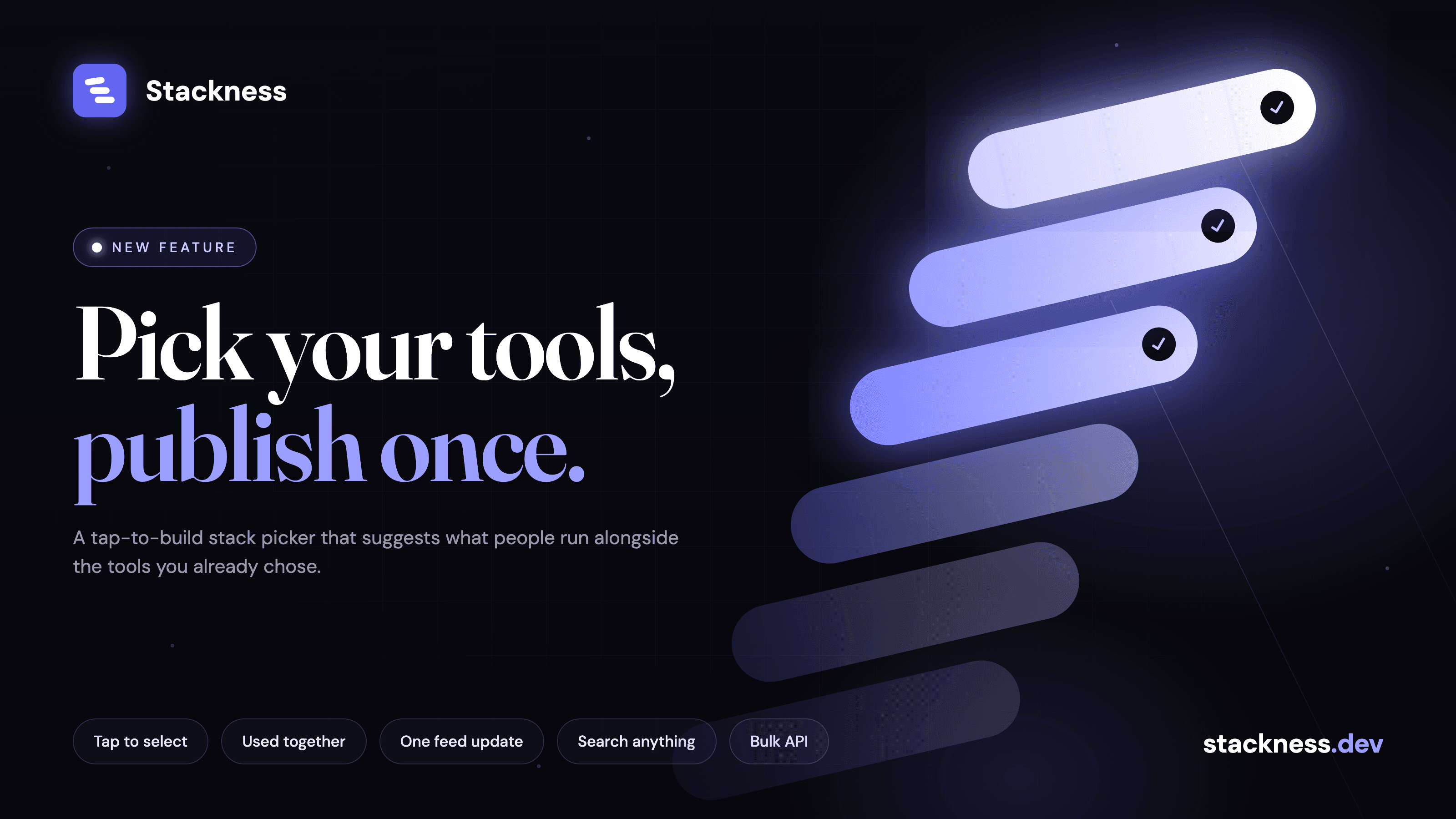
The new stack builder at stackness.dev/build-stack works like the artist picker you get when you first open Spotify. You see a grid of tools. You tap the ones you use. Every tap pulls in tools that people commonly run alongside it, placed right after the one you tapped, so the grid grows under your finger. When you are done, one button adds everything.

How the suggestions work
Stackness already knew which tools show up together: a background job reads every public stack and counts, for each tool, which other tools share the most users. That data has powered the "also used with" section on tool pages for a while.
The builder asks a slightly different question: given the three or four tools you have picked so far, what should come next? The new GET /api/v1/tools/suggestions?selected=go,postgresql endpoint merges the co-occurrence lists of every selected tool (Go and PostgreSQL in that example) and scores each candidate by how many shared users it has across the whole selection. A tool paired with three of your picks outranks one paired with a single pick. Tools you already have in your stack are filtered out, and each suggestion carries a reason (used_with:postgresql, trending, popular) so the tile can say why it is there.
With nothing selected you get the current trending list. When the co-occurrence data is thin, which happens for new or niche tools, the list is topped up with popular tools from the same categories as your picks, so the grid never runs dry.
One feed update for the whole batch
Each single add used to write its own feed event. Bulk adding through that path would have dumped fifteen cards into every follower's feed. So the builder posts to a new POST /api/v1/stack/tools/bulk endpoint, which creates all entries in one transaction and publishes a single stack update with the full list of changes. Followers see one card: "added 15 tools", expandable, with an optional note from you.
Tools already in your stack are skipped rather than failing the whole request, and the response tells you which ones.
Small things
Search sits above the grid and returns results as the same tiles, so typed picks and suggested picks behave the same.
Tools you already have show as "In your stack" and cannot be selected twice.
Your selection survives a refresh.
New accounts land in the builder right after signing up. Everyone else can reach it from the "Build stack" button on their stack page, or from the empty-stack screen.
For API and MCP users
Both endpoints are public and documented at stackness.dev/docs/api. The suggestions endpoint needs no auth. The bulk endpoint works with a normal session or an sfk_ API key, takes up to 50 tools per call, and accepts an optional category_id per entry and a visibility for the batch. As of October 2026 there is no MCP tool for it, so agents add tools one at a time with stack_add.
If you have been putting off filling in your stack, this is the fast way to do it.
New posts by email
About one email a week with what we published. No account needed.
One email to confirm first. Every email has a one-click unsubscribe.
Which of these do you use?
Tick the ones you run and save them as your stack. It takes a couple of minutes.