JetBrains ThinkRail vs Air: which agent each one runs and which slot it takes in your stack
Tools in this post


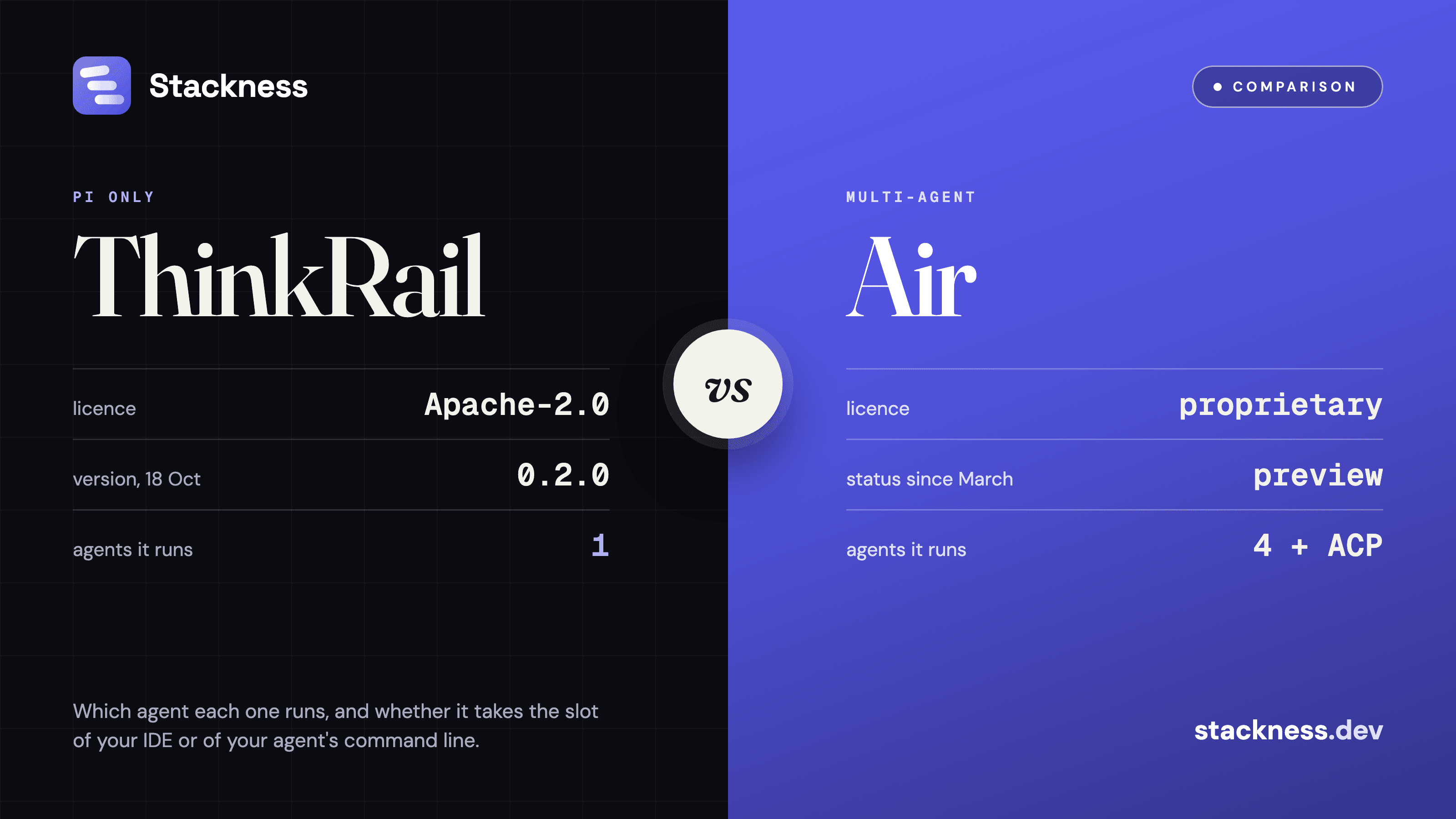
ThinkRail and JetBrains Air are two different bets from the same company. ThinkRail 0.2.0, released on 18 October 2026, is a free, Apache-2.0 desktop app that runs one agent, pi. The Air app, still in preview at build 262.1037.14 of 21 October, runs Claude Agent, Codex, Gemini CLI and Junie side by side, and Air now also ships as a plugin inside JetBrains IDEs. Pick ThinkRail if pi is your agent and you want it open source. Pick Air if you switch between vendors' agents or work in an IntelliJ IDE.
JetBrains ThinkRail vs Air at a glance
ThinkRail vs Air comes down to one row of the table: which agent it can run. ThinkRail hosts pi in-process and nothing else. Air connects to several vendors' agents and to any agent that speaks the Agent Client Protocol. The other rows follow from that choice and from how far along each product is.
| ThinkRail | Air app (Air in IDEs where noted) | |
|---|---|---|
| Price | Free; you pay your model provider | Free app; plugin "does not require a separate license"; JetBrains AI $10 or $30 a month if you use its credits |
| Licence | Apache-2.0, source on GitHub | Proprietary |
| Agents | pi only | Claude Agent, Codex, Gemini CLI, Junie, any ACP agent; the plugin adds Copilot |
| Your own keys | Yes, through pi's provider login | Yes; Claude Agent needs Anthropic API billing |
| Isolation | Git worktree per workspace | Local, git worktree, Docker or cloud, per task |
| Edit code by hand | No, code views are read-only | Yes in Air in IDEs |
| Status | 0.2.0, "JetBrains incubator project" | Public preview since March 2026; plugin in early access |
| Platforms | macOS (Apple Silicon in stable), Windows, Linux, browser | macOS, Linux, Windows |
Facts from each project's README, docs and release feeds, read on 29 October 2026.
Air is now four products, and the app is the one to compare
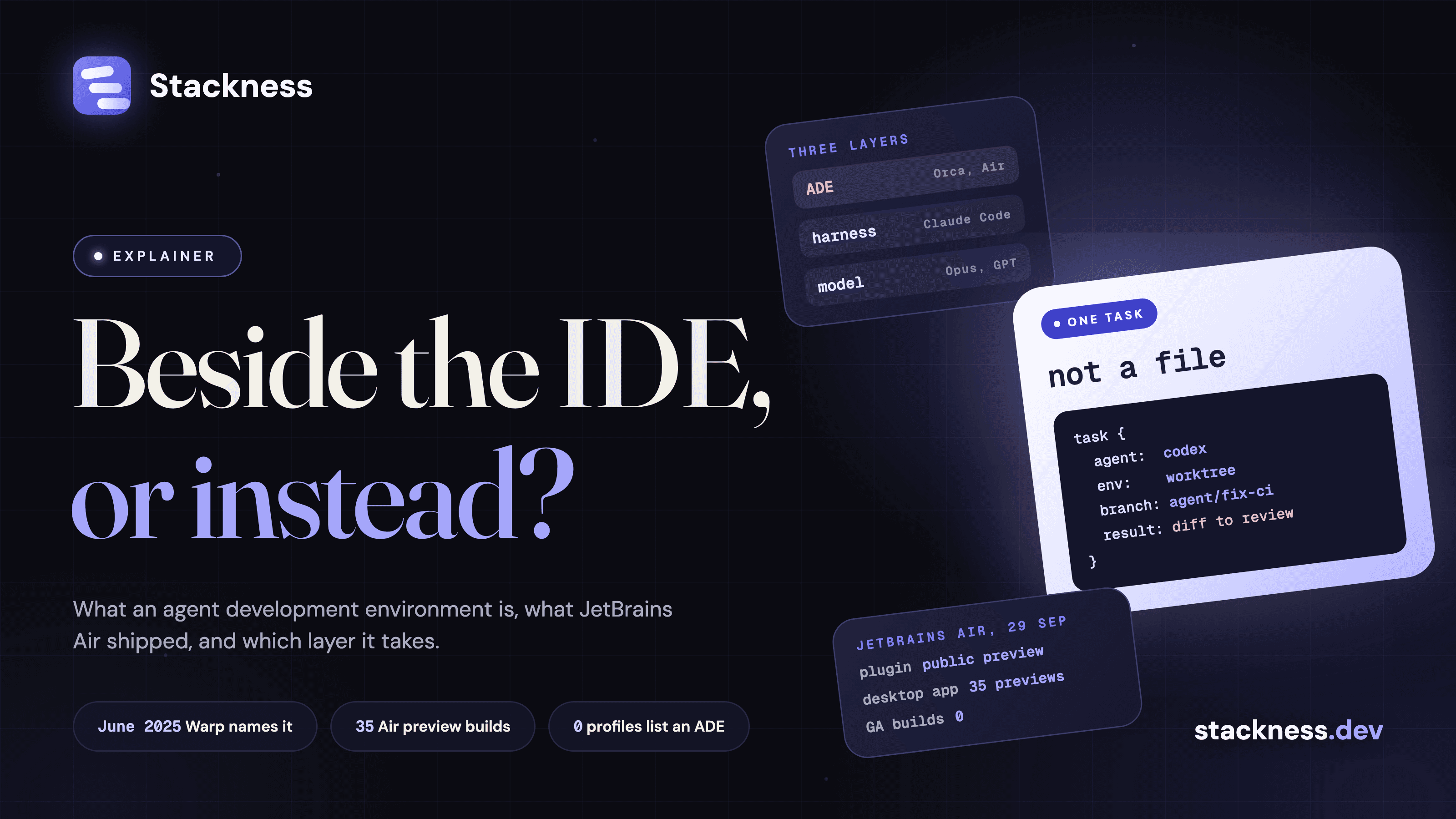
JetBrains Air stopped being one app on 22 September 2026, when JetBrains turned it into a system of products: Air in IDEs, Air Teams for cloud tasks and Air Governance for organisation policy and cost. The Air docs add two more: the standalone Air app, and Air Gateway, formerly the JetBrains Central CLI. The Air app is the like-for-like match for ThinkRail: a local desktop app that runs agents against a project on your machine.
The Air app replaced Fleet, which JetBrains stopped offering for download on 22 December 2025. It went into public preview on 9 March 2026, and every one of its 38 builds in the JetBrains release feed is still labelled preview. Air in IDEs entered early access on 1 October as a plugin for IntelliJ IDEA and the other IntelliJ-based IDEs. Some users read the shift as the app being dropped; JetBrains has said no such thing, and app builds kept shipping through 21 October.
What is ThinkRail, and what does it customise?
ThinkRail is a desktop app from a JetBrains incubator team that wraps the pi coding agent in a workspace interface: each task gets a git worktree, a chat with pi, a diff view and a tree of specification files the agent keeps up to date. The repository's tagline promises an IDE "that customises itself around the way you work"; the README puts most of that in the future: "Next, we're adding full extension support".

Image: JetBrains/thinkrail README by JetBrains, Apache-2.0, resized.
What ships today is narrower. The agent maintains a graph of SPEC.md files beside the code, and every change "starts with the agent questioning you and updating the specs", per the 0.2.0 release post. ThinkRail inherits pi's habit of writing its own extensions ("just ask Pi to build it"), except extensions that change pi's terminal interface. And it reads existing skills in place from ~/.claude, ~/.codex and ~/.gemini.
ThinkRail runs only pi; Air runs four vendors' agents
ThinkRail runs pi and nothing else, by design: its requirements document says "pi is the only engine, run in-process" with "no second runtime". It cannot host Claude Code or Codex as its agent; a community fork adds both as terminal agents next to pi. Air's 22 September post calls multi-vendor support "a foundational design principle".
The model is yours in both. ThinkRail uses whatever pi supports, picked per chat, and a subagent can run on a different model than its parent; nightly builds also set its effort and show both in the Resources panel. You sign in with JetBrains AI or connect any provider through pi's own login; custom endpoints work by editing pi's models.json, with no form in the app yet. Air takes an existing subscription or an API key, per agent; Air in IDEs also takes a base URL.
Air's Claude support has one catch. The supported agents page says a Claude Pro or Max subscription works, but its own table says Claude Agent needs "your Anthropic Console account with API billing". In Air in IDEs, a Claude subscription cannot authorise Claude Agent in the chat; the workaround is Claude Code in the terminal.
ThinkRail replaces the agent's command line, not your IDE
ThinkRail takes the slot of your coding agent's command line and leaves the IDE where it is. Its code views are read-only (an open issue, #370, asks for editing), there are no language services, and the README suggests opening the worktree "in your installed IDE". For a pi user the move costs nothing: ThinkRail shares ~/.pi, so sessions, providers and skills carry over in both directions.
Air splits the same question in two. The Air app is a separate window like ThinkRail. Air in IDEs puts the agents inside IntelliJ, next to the refactorings and the debugger, and that is where JetBrains now points first. That is the agent development environment question again: beside the editor, or inside it. One Hacker News commenter summed up the split: "It seems that Air is a strategic product, and Thinkrail is more of an experiment."
Air isolates in Docker or the cloud; ThinkRail stops at a worktree
Air offers more isolation today. The Air app lets each task run in the local workspace, a git worktree, a Docker container or the cloud. ThinkRail gives each new workspace a git worktree by default, which isolates branches; an open issue, #918, says it "isolates branches, not the machine".
ThinkRail also accepts that a crashed provider or agent can take the whole app down. Its AGENTS.md calls that lack of crash isolation "accepted". For long unattended runs on an untrusted repository, Air's Docker option is the safer one. For several agents on one repository, both give you worktrees and a merge to check.
ThinkRail is 0.2.0 and moving fast; Air has been in preview since March
ThinkRail's first release, v0.0.1, came out on 8 July 2026, and it was public by August, well before the Hacker News threads of 24 and 25 October. Stable is 0.2.0, nightlies are on 0.3.0, and the repository had 5,490 stars on 29 October against 335 on 30 August. The README promises an Intel Mac build that only the nightlies have.
The open gaps are concrete: no OS sandbox, no hand editing, no remote or Docker deployment yet, and telemetry for basic usage events and error reports that cannot be switched off, with prompts and code excluded. Air's gap is status: the app has been in public preview since March, and JetBrains has not given a release date. On Stackness, as of 29 October 2026, JetBrains Air, Junie and ThinkRail sit on no public stack and pi on one (how I count). The list of editors and IDEs developers use is still led by tools that edit files.
What switching costs
Switching between ThinkRail and Air costs little in files and more in agents. ThinkRail leaves plain git worktrees, branches and SPEC.md files in the repository, with app state in ~/.thinkrail; nothing is proprietary. Moving from Claude Code or Codex into ThinkRail means moving to pi, not only to a new window.
Air needs at least one provider connection (a JetBrains Account only for JetBrains AI, Junie or cloud tasks), writes a per-project .air/worktree.json, needs Docker Desktop for container runs and a JetBrains AI subscription for cloud runs. Turning on Air in IDEs from the AI Assistant notification disables AI Assistant until you turn it back on. If you run several agents from one window either way, the other workspace managers are worth a look too.
Pick ThinkRail if, pick Air if
Pick ThinkRail if:
- pi is already your agent, or you want an open source interface for it.
- You want a worktree per task by default, your own keys and no vendor account.
- You want the agent to keep a spec graph in the repository.
- You are fine reading code in ThinkRail and editing it in another IDE.
Pick Air if:
- You switch between Claude Agent, Codex, Gemini CLI and Junie.
- You work in IntelliJ IDEA or another JetBrains IDE; take Air in IDEs.
- You need Docker or cloud isolation, team automations or cost controls.
- Your company already pays for JetBrains AI.
New posts by email
About one email a week with what we published. No account needed.
One email to confirm first. Every email has a one-click unsubscribe.
Which of these do you use?
Nobody on Stackness runs ThinkRail yet. Tick what you use and be the first.