What is a move, anyway?
Tools in this post


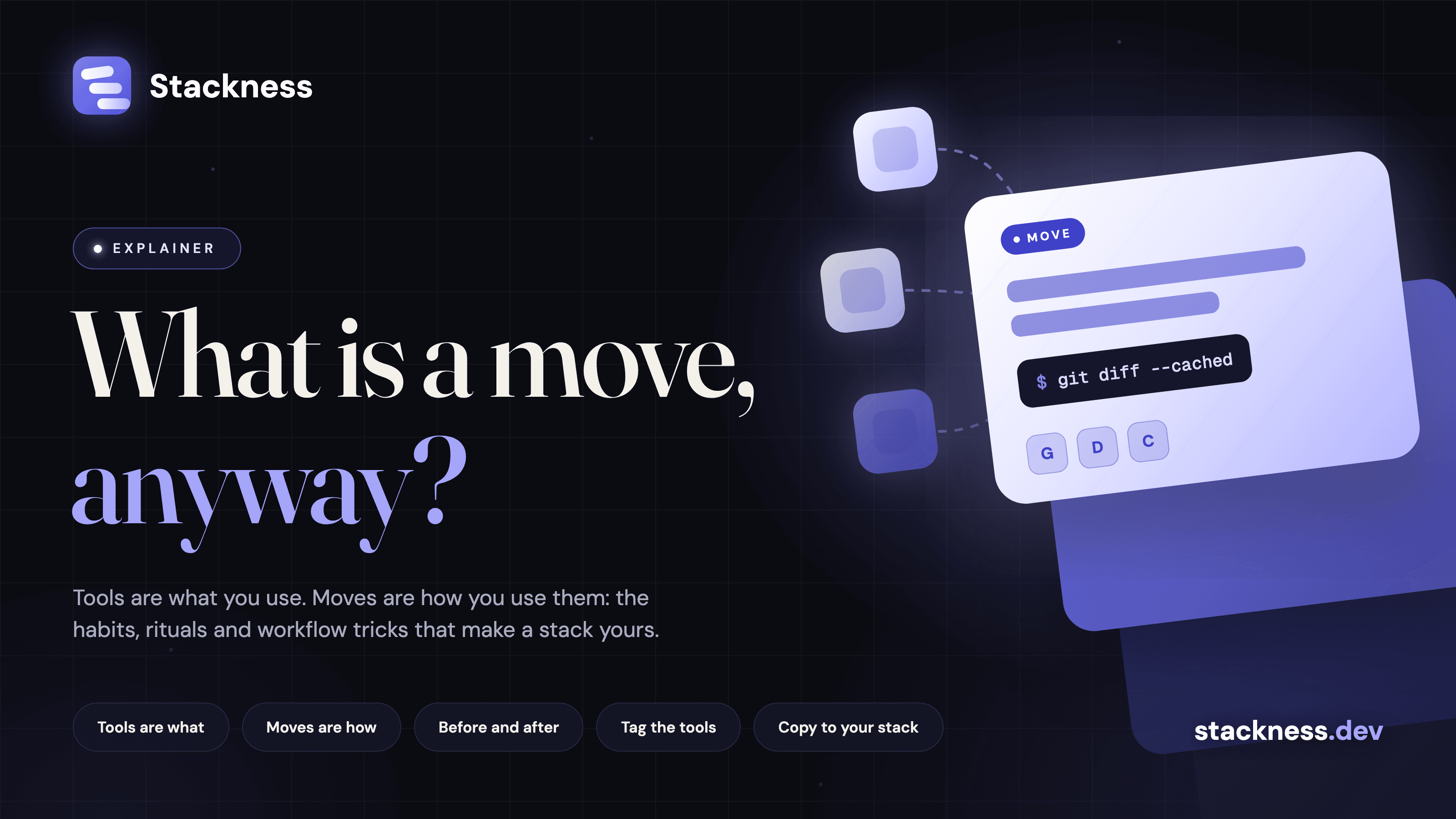
A move is how you use your tools: a technique, habit or workflow, written in your own words. Tools are what you use, moves are how you use them, and every Stackness profile has carried both since the launch on 15 August 2026.
What is a move?
A tool is something with a name, a logo and a website - Git, Docker, Claude Code, PostgreSQL. It lives in the catalog, it has a page, and other people have it in their stacks too. Adding it to your profile says "I use this".
A move is a technique, a habit, a workflow, a hack. It is written in your own words, it can touch several tools or none at all, and nobody else has exactly the same one. Adding it to your profile says "this is how I do it".
Some moves are one-liners: Read the diff before you commit, every time. Some are a whole setup: One tmux session per project with fixed window layout. Some are a stance: Ask for the plan first, edit never. And some are a name for a thing everyone is suddenly doing: vibe coding, context engineering.
If a tool is a noun, a move is a verb. Or, in developer terms: a tool is a dependency, a move is the code that calls it.
Why write a move down?
Think about the last time a colleague's setup made you jealous. It was rarely the tool, because you already knew about the tool. It was the thing they did with it: the alias, the file they always create first, the rule they never break, the order they do things in. That knowledge normally lives in pairing sessions, Slack threads and the occasional dotfiles repo, and it evaporates the day the person changes jobs.
A move pins it down: a title, a description in markdown with code blocks, the tools it involves, a category, and the month you started doing it. Optionally the month you stopped, because habits retire too. Then it sits on your profile next to your tools, shows up in the feed of everyone who follows you, and people can react, comment, bookmark it, or copy it straight into their own stack.
Tools get copied by clicking install. Moves get copied by someone reading yours and thinking "oh, that is smart".
What is not a move?
A move is not a tool switch. "Moved from Webpack to Vite" is a stack change, and your stack already records that with dates. A move is what you do, not what you installed.
A move is not a product review either. "Cursor is great" is just an opinion. "I cap every Cursor session at about 65 percent of the context window and write a summary before it goes stale" is a move, and someone did write that one: Session summaries beat context decay like coffee beats my ability to function.
And a move does not have to be clever. "Environment variables as the only source of truth" sounds obvious until you read how one person got there, by way of leaked secrets, a .env.example and direnv. Obvious in hindsight is the kind of thing worth writing down.
Why do moves matter more in 2026?
In 2026 the tools got cheaper and the technique got more valuable. When last month's trends piece looked at coding agents, the conclusion was that the model matters less than the harness around it. That harness is mostly moves. Skills files, plan-first prompts, a make check that is non-negotiable, throwing the prototype away on purpose. None of that is a tool you can install. All of it is a move you can copy.
Trend waves, the supporter extra, tracks moves alongside tools, so you can watch prompt engineering hand the baton to context engineering in something close to real time. Explore lists the trending ones, and all moves has the full pile.
Can an AI agent write moves?
If you would rather not type, your AI assistant can do it. The hosted MCP server has move_create, move_update and move_list, so "read my CLAUDE.md and turn every rule in it into a move on my Stackness profile" is a prompt that works. Everything the MCP tools do, the REST API does too, through POST /api/v1/moves with an sfk_ key.
An agent that reads your moves before starting work also behaves a lot more like you. Moves double as documentation for the robots.
How do you write a move?
You have at least one. The alias you would defend in a fight. The file you create before any code. The thing you do every single time and have never written down. Open a new move, give it a title that is the move, tell the before and the after, tag the tools.
New posts by email
About one email a week with what we published. No account needed.
One email to confirm first. Every email has a one-click unsubscribe.
Which of these do you use?
Nobody on Stackness runs direnv yet. Tick what you use and be the first.